
CCNeed中文

Selected Cases

See how research informs the next decision.

CCNeed is an AI research workspace for marketing, product and market research teams.
A popular post, a feature request or a plan change can reveal several different needs. These four examples connect evidence, a CCNeed research workflow and concrete material a team can use.

Product demonstration: review a report and continue with follow-up questions.
From one question to a usable research result

Keep the material, analysis and next questions together, so the research can be checked and developed.

A research report, linked analysis and follow-up questions in the CCNeed workspace
  1. 1

    Start with a question and your material

    Describe the decision you need to make and select relevant discussions, feedback or documents. When you need more social material, confirm platforms, keywords and collection scope.

  2. 2

    Find themes, then follow the evidence

    CCNeed groups needs, situations and differing views around your question and compares them with product facts. Ask what supports a finding or why another group has a different experience.

  3. 3

    Create something your team can use

    Turn findings into an evidence-backed report, requirement record or comparison. Review the analysis, share or download the result, and take it into a team decision.

These examples use real public records with brand names omitted. The analysis and deliverables illustrate a workflow, not customer projects or business results.

Four specific questions, showing how CCNeed supports the research.

Turn a viral food combination into an order customers can actually place

CCNeed brings menu changes and customer conversations into one study, separating what to explain, how to order and what operations needs to investigate.

Where the research starts

A quesadilla, vegetables and mixed dip attract attention, and a restaurant updates its digital menu. Marketing needs to turn that interest into clear guidance while coordinating content, ordering and store preparation.

Research material: Earlier and updated menus, official ordering information, public launch replies and the team’s existing launch documents.

What is actually new, what is unclear to customers, and which team should take each issue?

What CCNeed does in this example

  1. 1

    Compare the menus and identify the actual change

    Select the relevant knowledge base, upload the menu and ordering documents, and explain the launch question to CCNeed. Ask it to compare existing options with the additions and identify what customers need to understand.

    In this exampleThe quesadilla and digital ordering already existed. The update allowed vegetables alongside other fillings and added vinaigrette as a side. The mixed dip still needs a separate explanation.

  2. 2

    Group feedback by what the customer is trying to do

    Add launch replies to the same research. Ask CCNeed to distinguish interest in trying the food, requests for more options and specific store experiences, then compare the needs behind those statements.

    In this exampleInterest calls for clear content; requests for the dressing on other dishes concern menu scope; individual store complaints need operational checking.

    A follow-up questionWhich questions can an ordering demonstration answer, and which still need product or operations input?

  3. 3

    Follow up on the conditions behind the launch

    Review the report and linked analysis files. Ask how to demonstrate the full combination, what the official ordering route permits and what information is still missing. If more public discussion is needed, confirm keywords, available platforms and collection scope.

    In this exampleShow the main item, sides and mixed dip separately. List availability wording, ordering access, system changes and staff preparation as concrete checks.

  4. 4

    Prepare a brief each team can act on

    Ask CCNeed to organise the findings for creative, ordering and operations, with the required assets, known conditions and unresolved checks. Share the report and analysis for team review, then develop the research through follow-up questions.

    In this exampleThe handoff contains two content demonstrations, pre-launch checks and a feedback-routing record, making tasks and dependencies visible.

Deliverable example · Content and operations brief

Assign the demonstration, ordering guide and launch checks

Food demonstration
Show the main item, vegetables and separately mixed dip.
Ordering guide
Walk through the official app or website and verify the available choices and wording.
Pre-launch checks
Confirm availability, ordering options and store preparation and training.
Feedback follow-up
Send requests for more menu options to the ordering team and specific store complaints to operations for checking.

Creative, ordering and operations teams each have a concrete task, with dependencies and unresolved checks retained.

Download the full example

How the team can use the deliverable

Creative prepares food and ordering demonstrations. The ordering team checks options and wording, while operations confirms readiness and investigates specific reports. CCNeed supplies research the team can review and develop; the teams carry out and confirm the work.

Keep code context visible: decide what belongs in the feature scope

CCNeed separates a feature request into the user’s task, design constraints and scope choices, helping the product team prepare concrete requirements and acceptance checks.

Where the research starts

A user requests function information that remains visible while scrolling through long code, with direct editing in the pinned area. Other replies raise concerns about screen space. The team needs to understand the task before deciding what to build.

Research material: The original request, objections, later release notes and discussions about personal and workspace settings.

What does the user need, how much do documented capabilities cover, and which choices still belong to the team?

What CCNeed does in this example

  1. 1

    Bring the request and product records into one study

    Select the feature request, opposing views and release documents, then explain the scope decision to CCNeed. Ask it to identify the user’s task, the proposed solution and the costs different participants are concerned about.

    In this exampleStaying oriented while reading is a task. A pinned window that can also be edited is a proposed solution. Record them separately.

  2. 2

    Compare the request with documented capabilities

    Ask CCNeed to compare the request with later releases, examining pinned display, line limits and definition navigation separately. Distinguish capabilities documented in the material from parts it does not establish.

    In this exampleThe notes describe persistent context, a line limit and navigation. The selected records do not establish in-place editing in the pinned area.

    A follow-up questionWhat would context display alone solve, and what additional scope decisions would direct editing introduce?

  3. 3

    Turn disagreement into design constraints

    Follow up on how space and configuration control affect different situations. Review the linked analysis alongside user comments and settings rules, then organise trade-offs and judgments the team still needs to make.

    In this exampleThe recorded decision retained both user and workspace settings. The team can use this to examine editing space, the pinned-line limit and the expected configuration behaviour.

  4. 4

    Prepare requirements with explicit checks

    Ask CCNeed to organise the report around the task, candidate scope, open decisions and acceptance checks. Continue questioning individual points in the same study before using it in the PRD and design review.

    In this exampleCheck scrolling visibility, line limits, definition navigation and configuration behaviour. The team still evaluates editing scope, implementation effort and timing.

Deliverable example · Requirement and scope record

An evidence-based starting point for the PRD

Problem
Readers lose their enclosing context in long code blocks.
Candidate scope
Persistent context, a line limit and navigation to the definition.
Separate decision
Whether pinned content also needs to be editable.
Acceptance checks
Verify visibility while scrolling, the line limit and the intended user/workspace setting behaviour.

The requirements record sets out the proposed scope and acceptance checks so the team can assess feasibility, effort and timing.

Download the full example

How the team can use the deliverable

Product uses the record to prepare the PRD; design and engineering review scope and constraints; testing develops acceptance scenarios. The research supplies concrete material for those decisions, while feasibility and timing remain project-specific.

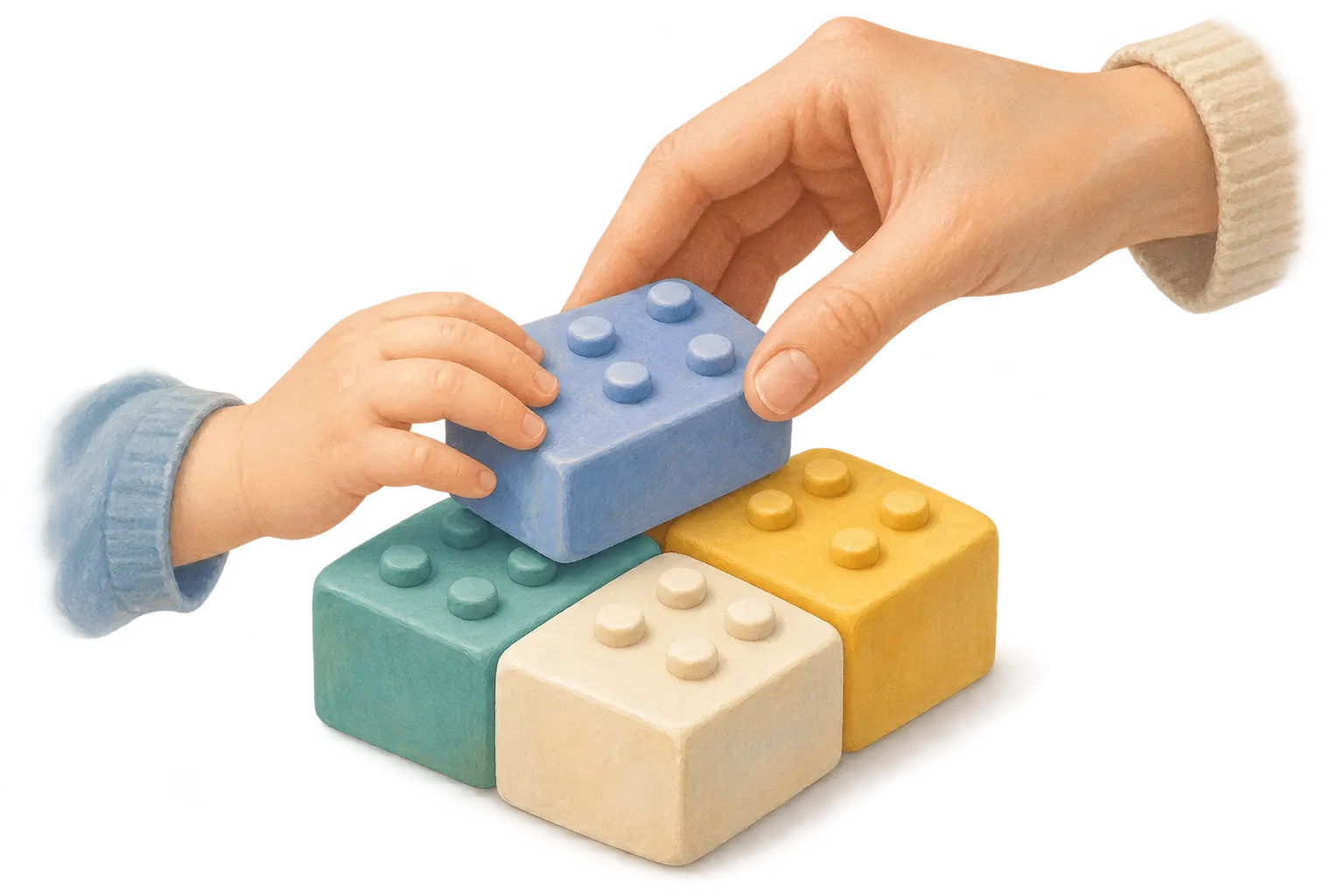
A braille learning kit reaches homes: examine access, use and purchase motives

CCNeed examines access, shared family use and price concerns separately, showing what the team can explain now and what it still needs to investigate.

Where the research starts

A braille learning kit adds a paid home edition alongside free institutional distribution. Public discussion includes interest in learning with relatives and concern about price. The team needs to understand those motives without treating all interest as purchase intent.

Research material: Institutional and home-edition information, family accounts, public discussion and any interviews or research the team already has.

Who wants access, who would take part, and what shapes the household’s decision to buy?

What CCNeed does in this example

  1. 1

    Establish the access routes and the research scope

    Select the institutional and home-edition documents and describe the audience and situations the team wants to study. Ask CCNeed to compare eligibility, access and product information, identifying what changed and what continues.

    In this examplePaid home access is an additional route; the free institutional programme remains. One product change does not establish a market-wide shift.

  2. 2

    Identify participants in the accounts of use

    Add family accounts and public replies. Ask CCNeed to distinguish who wants access, who primarily uses the kit and who wants to join in, then compare their needs within specific situations.

    In this exampleThe purchaser, the person learning braille and participating relatives may be different people. Shared learning broadens the use contexts to investigate.

    A follow-up questionWhat do relatives want to do together, and how do those needs differ from the primary learner’s?

  3. 3

    Record interest and barriers separately

    Follow up on whether appreciation of the activity and concern about price appear together. Ask CCNeed to separate motives, barriers and missing information, then review the analysis before choosing interview questions.

    In this exampleWelcoming home access, wanting to learn together and questioning the price can coexist. Public replies do not establish proportions or actual willingness to buy.

  4. 4

    Prepare an audience brief for the next research round

    Ask CCNeed for an access comparison, use situations, participant needs and purchase conditions still to validate. Turn budget, frequency and payment conditions into interview questions, then add material and continue the study as the team learns more.

    In this exampleContent gets guidance on access and shared use; product and research get specific household situations and questions to validate next.

Deliverable example · Audience brief

Availability, shared use and price

Channel change
Institutional distribution continues alongside a new paid route for households.
Access need
People welcomed a purchase route outside institutional provision.
Use motivation
Family members wanted to participate in learning together.
Purchase barrier
Some commenters liked the idea but objected to its price.

The material supports three distinct findings. Explaining family use addresses one motivation; it does not remove the price objection.

Download the full example

How the team can use the deliverable

Content explains access and shared use. Product and market research choose household situations for interviews, then investigate budgets, frequency and payment conditions. The findings focus the next study rather than replacing purchase validation.

Before switching note tools, check how the whole library will keep working

CCNeed compares plan terms and import documentation around the existing library, turning access rights, transfer routes and details requiring tests into a checklist.

Where the research starts

A change to a notes service’s free plan prompts users to consider alternatives. For someone with a large library, the questions are how existing content remains usable, how it can move and which structures will be preserved.

Research material: Original plan terms, user discussion, import documentation checked later, and representative notes or requirements from the team’s own workflow.

How would this library work in another tool? Which conditions are documented, and which must we test ourselves?

What CCNeed does in this example

  1. 1

    Define the comparison around the team’s library

    Select plan terms, user discussion and import documentation, then explain which note structures the team relies on. Ask CCNeed to organise the questions around creating, consulting and moving content rather than listing generic features.

    In this exampleA creation limit is not the loss of existing notes. The selected terms preserve access and export, which need to be described separately from limits on new content.

  2. 2

    Compare the documented transfer route

    Ask CCNeed to place export conditions beside the alternative’s import documentation, examining formats, content types and stated support. Retain the sequence of the material: terms at the plan change and documentation checked later.

    In this exampleThe documentation provides an ENEX route for notes, tags, attachments and metadata. That establishes something to try, not validation of the team’s entire library.

  3. 3

    Follow up on exceptions that affect daily use

    Open the report and linked analysis files, then ask separately about attachments, tags, complex formatting and internal links. Have CCNeed organise documented exceptions, unanswered details and the structures the team depends on.

    In this exampleComplex formatting and some internal links have exceptions. A completed import and preservation of the working method require separate checks.

    A follow-up questionBased on the note structures we rely on most, list everything we should check after import.

  4. 4

    Create the comparison and a trial-import checklist

    Ask CCNeed to record conditions, exceptions and open checks for each dimension, with suggestions for choosing representative samples. The team can trial its own material and bring the findings back into the same research.

    In this exampleInspect notes with attachments, tags, complex layouts and internal links before expanding the trial. The existing material does not establish the team’s migration time or success rate.

Deliverable example · Competitor comparison

Keeping, moving and reusing a notes library

Existing access
The source service permits access to and export of existing notes above the free creation limit.
Transfer path
The alternative documents import of notes, tags, attachments and metadata from the export format.
Fidelity
Complex formatting and some internal links have documented exceptions.

The useful comparison has three parts: continued access, a transfer path and preservation of the information’s structure.

Download the full example

How the team can use the deliverable

The team uses the comparison to scope a trial, checks representative notes and records additional work before deciding whether to migrate more. CCNeed supports research and decision-making; the team carries out the transfer and acceptance checks.

Start with the decision in front of you

Describe the question and the material you already have. Adapt one of these examples, then bring your research question into CCNeed.

This prepares the research input. Copy it into CCNeed, select the relevant material and start the analysis.

: research brief

Adapt this to your project, copy it into CCNeed and add your material to start the analysis. Close to continue reading; your edits stay on this page.